Basic
USD 0.06 per GB of traffic
USD 5.99 / month
Renews automatically every month
- 100 GB traffic per month
- 3 devices
- Upgrade any time
- Cancel any time
 TokTok
Simple, encrypted proxy connections for everyday browsing.


Choose a connection in the app and get on with your day.

See your traffic usage and manage the devices on your account.

Know your monthly price, traffic allowance, and device limit before you subscribe.
THE TOKTOK APP
Get TokTok on Windows, macOS, and Android. iOS is coming soon.
All downloads and system requirements →
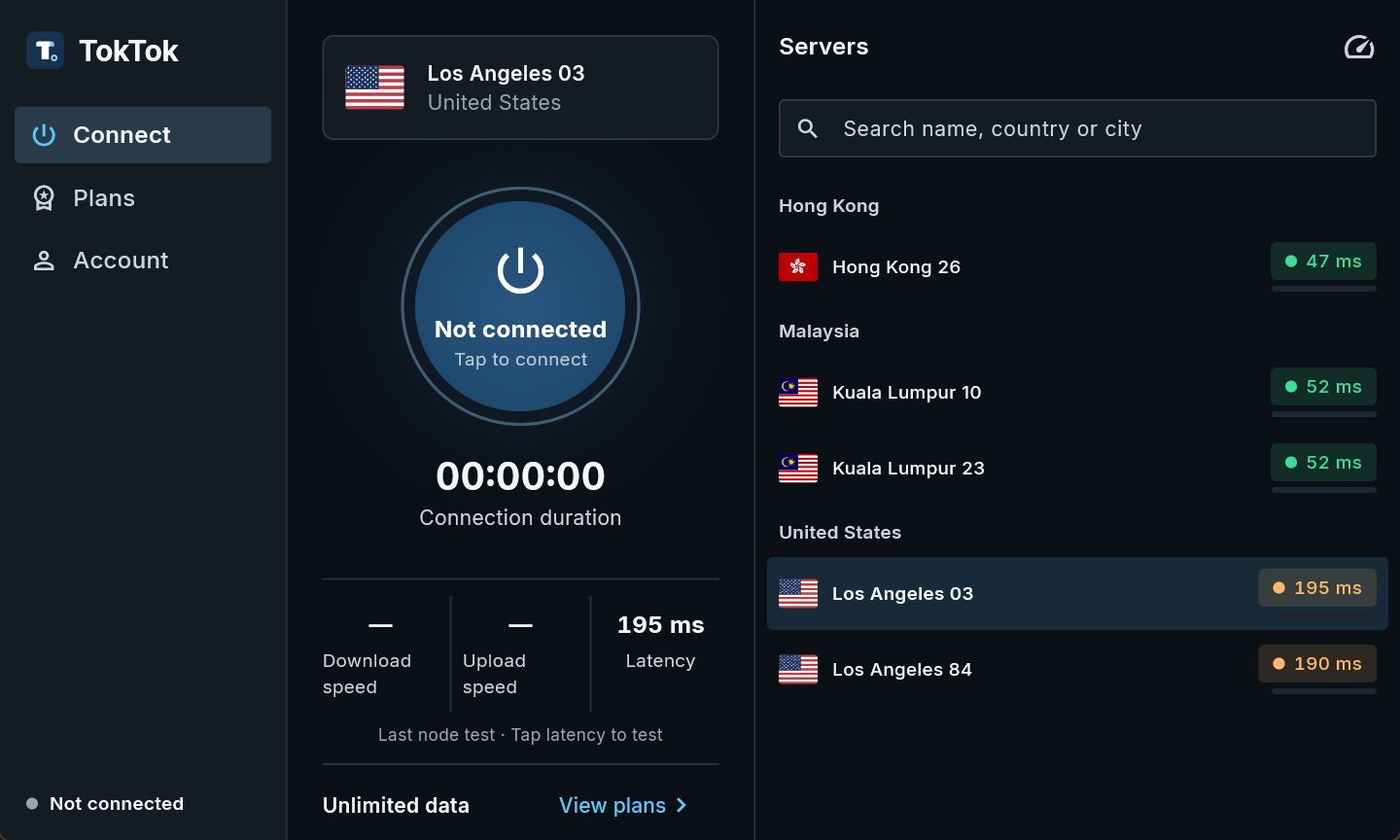
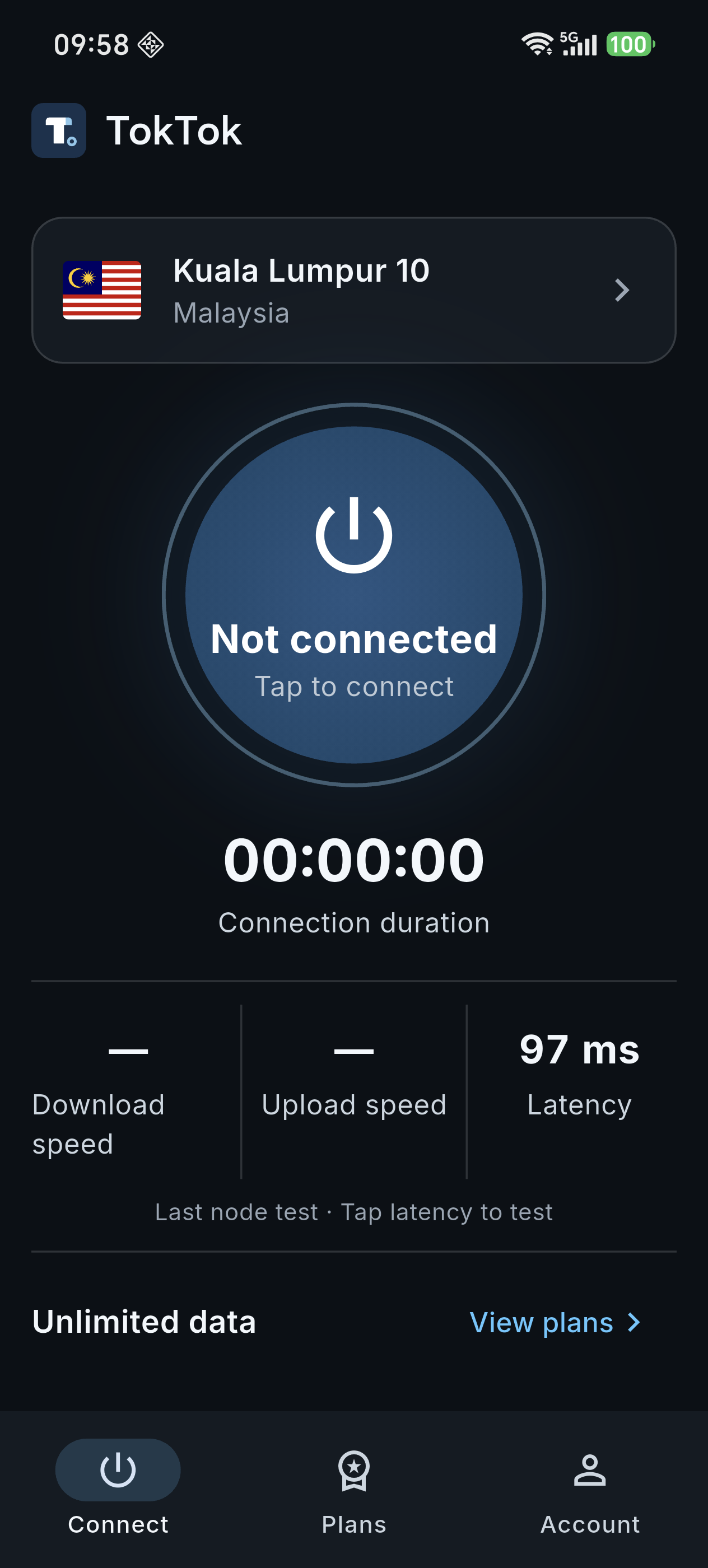
Actual client screens. The nodes, connection status, and traffic allowance shown reflect the account at the time of capture; availability and limits depend on your account and plan.
SIMPLE PLANS
Choose your traffic allowance. Your price and device limit are shown with every plan.
USD 0.06 per GB of traffic
Renews automatically every month
USD 0.04 per GB of traffic
Renews automatically every month
USD 0.03 per GB of traffic
Renews automatically every month
USD 0.05 per GB of traffic
Renews automatically every year
USD 0.03 per GB of traffic
Renews automatically every year
USD 0.02 per GB of traffic
Renews automatically every year
Need more traffic? Add a pack. It never expires, and you can use it with or without a plan.
Need more traffic? Add a pack. It never expires, and you can use it with or without a plan.
Subscribe in the client after signing in or creating an account. Plans renew automatically each month or year until canceled. Cancel any time and keep access until the end of your paid period.
 When checkout is available, payments are processed securely by Stripe. Start your subscription in the app.
SECURITY & PRIVACY
Know how your proxy connection works, what data the service keeps, and the choices available to you.
Traffic routed through TokTok is encrypted between your client and the proxy server. Protection applies to traffic using the proxy; apps that connect directly are outside that connection.
We do not sell personal data or share it for advertising. We do not log the sites you visit, the destinations you connect to, or the contents of your traffic. Our privacy policy explains the account and usage records we keep.
Review registered devices and remove those you no longer use. Delete your account yourself in the app or on the account deletion page. For a copy of your personal data or a correction, email us with your privacy request.
TokTok is available for Windows, macOS, and Android, with iOS coming soon. Get the app from the download page, and contact support before purchasing if you do not already have a client.
Your plan sets the device limit. View registered devices in Account → Devices and remove any you no longer use. If the limit is reached when a new device signs in, the least recently used device is signed out. Signing out frees that device’s slot.
Android and iOS use a system VPN tunnel. Windows and macOS use the system proxy, so apps must respect that proxy setting to use TokTok. Direct connections and traffic excluded from the tunnel are outside its protection.
Yes. Open Account to choose English, Chinese, Russian, Turkish, or Arabic, or follow your system language. You can also choose a light or dark theme, or follow the system appearance.
Proxy access stops when your available traffic is used up. You can buy a traffic pack in the app when checkout is available, with or without a plan. Pack traffic never expires, is used after your plan's monthly traffic, and does not add device slots.
When checkout is available for your plan, start the purchase in the app. The website version of the app completes it with Stripe, and we do not receive or store your card details; the Google Play version uses Google Play billing. Subscriptions renew monthly or yearly until canceled; traffic packs are separate, one-time purchases. If checkout is unavailable, contact support.
You can upgrade in the app. After successful payment, a new billing period starts with a prorated credit for the unused time on your current plan; your traffic allowance becomes the new plan's, and traffic you have already used this period still counts. To move to a cheaper plan, cancel renewal and subscribe after the paid period ends. See the terms of service for details.
Open Manage subscription in the app to cancel renewal, update your payment details, or view invoices. Canceling stops future renewals; access continues until the end of the period you already paid for.
You can request a refund within 14 days of payment, subject to the refund policy. One refund per account is covered; exclusions apply. Email support@datafrog.io from your account address and include the Stripe receipt or invoice number.
We do not log the sites you visit, the destinations you connect to, or the contents of your traffic. We keep account, billing, device registration, and aggregate usage records, as described in the privacy policy.
Find a build for your device and choose the plan that works for you.
 Download app